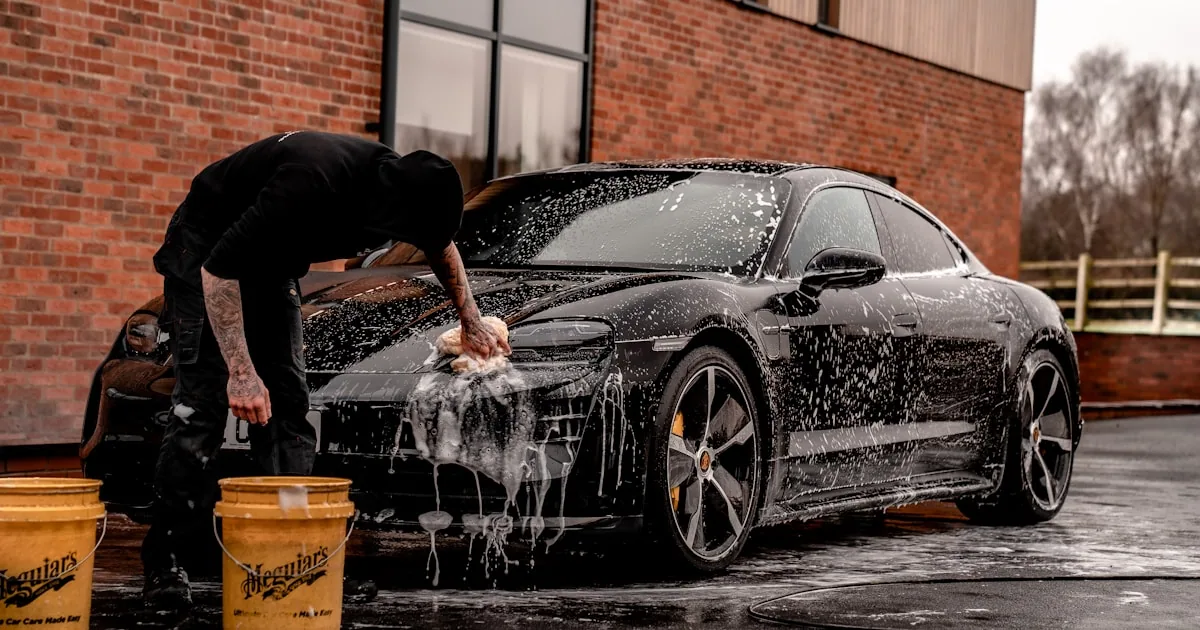
25 SMS Templates for Auto Detailing Businesses (Copy, Paste, Send)
Your hands are covered in polish compound when the phone rings, and you either stop the buffer or miss the call.
A text fixes that. You can't pick up the phone mid-detail, but a pre-written text takes two taps to send, and the customer reads it when it suits them (not when it suits your buffer). That's the whole case for texting in an auto detailing business.
Below are 25 copy-paste templates organized by the stage of the detailing job. Swap in your business name, customize the details, and start sending. Every template is under 160 characters where possible so it lands as a single message.
Booking confirmations
The instant a customer books, confirm it in writing. A verbal "see you Tuesday" isn't a real booking. A confirmation text is. It sets expectations, gives them details to reference, and starts the relationship on a professional note.
Get three review-request texts for your trade.
Pick your trade and tone. Copy-paste SMS templates that actually get replies. No signup.
Generate the texts →1. Standard booking confirmation
[Business]: Confirmed! Your [Package] detail is booked for [Day] at [Time]. Reply to this text with any questions. Track here: [link]2. Ceramic coating confirmation
[Business]: Your ceramic coating appointment is confirmed for [Day] at [Time]. Please note this is a multi-day service. Prep instructions: [link]3. Mobile detailing confirmation
[Business]: Booked! We'll come to you on [Day] at [Time]. Please have the vehicle accessible and cleared of personal items. See details: [link]Appointment reminders
Most no-shows aren't malicious. The customer simply forgot. A reminder sequence is the cheapest way I know to protect your calendar. The best controlled test I could find is old and isn't about cars (a 1991 trial of mailed reminder postcards at a pediatric practice): the no-show rate fell from 19% without a reminder to 10% with one. I'd expect a text to do at least as well, though I haven't measured it across shops. The rest of the playbook is in the guide on auto detailing no-shows and how to cut them.
4. 48-hour reminder
[Business]: Reminder: your [Package] detail is on [Day] at [Time]. Reply YES to confirm or tap here to reschedule: [link]5. Morning-of reminder
[Business]: Your detail is today at [Time]! Please have the vehicle ready and accessible. We'll text you when we start. See you soon!6. "On my way" (mobile detailers)
[Business]: Your detailer is heading your way! ETA ~30 min. Please make sure the vehicle is accessible. Track live: [link]Status updates during service
Once the detail starts, silence creates anxiety. Anxiety creates phone calls. A quick status text keeps the customer informed and lets you keep working without interruptions. I wrote up how to keep customers informed during service for every trade, not only detailers, if you want the longer version.
7. Service started
[Business]: We've started your [Package] detail! Estimated completion: [Time]. We'll text you updates as we go.8. Found additional work needed
[Business]: Heads up: while detailing your [Vehicle], we found [issue, e.g., "deep scratches on the hood"]. We can address it for $[X]. Reply YES to approve or NO to skip.9. Delay notification
[Business]: Update on your detail: we're running about [X] minutes behind. New estimated finish: [Time]. Sorry for the wait, [Name]!10. Photos ready / progress check
[Business]: Progress update on your [Vehicle]! Interior is done, starting exterior now. Check photos here: [link]Job complete
The completion text is the money message. Fast notification means fast pickup, fast payment, and a customer who's still riding the high of a freshly detailed car when you ask for a review.
11. Basic completion
[Business]: Your [Package] detail is complete! Ready for pickup. We're open until [Time]. Total due: $[Amount]. See you soon!12. With before/after mention
[Business]: Your [Vehicle] is done and looking incredible! We took before & after photos for you: [link]. Ready for pickup anytime today.13. Mobile detailing departure
[Business]: All done, [Name]! Your [Vehicle] is detailed and we've packed up. Total: $[Amount]. Care instructions: [link]. Enjoy the shine!Payment & invoice
Keep payment texts short and direct. Include the amount, a payment link if you have one, and nothing else. This isn't the place for marketing.
14. Payment due
[Business]: Invoice for your [Package] detail: $[Amount]. Pay securely here: [link]. Thanks for choosing us, [Name]!15. Payment received, thank you
[Business]: Payment received. Thank you, [Name]! Receipt: [link]. We appreciate your business. See you next time!Review requests
Ask for the review the same day, while the customer is still admiring the car. Don't wait until tomorrow. The excitement fades fast, and a review ask that lands a day late reads like an afterthought. For more on timing and wording, see the guide on how to ask for Google reviews without sounding needy.
16. Standard review request
[Business]: Thanks again, [Name]! If you loved the results, a quick Google review would mean the world: [link]. It takes 30 seconds!17. Specific ask
[Business]: Hi [Name], how's the [Vehicle] looking? If you're happy with the detail, we'd love a Google review mentioning what you liked most: [link]Follow-up & rebooking
The detail is done, the review is in. Now keep them on the books. A well-timed follow-up turns a one-time customer into a recurring one. This is where most detailers leave money on the table.
18. 48-hour check-in
[Business]: Hey [Name]! It's been a couple days since your detail. How's everything looking? Any questions about maintenance? Just reply here.19. Seasonal reminder
[Business]: Hi [Name], [season] is tough on paint! Time for a maintenance wash and sealant check? Book your spot before we fill up: [link]20. Maintenance due
[Business]: Hey [Name], it's been [X] months since your last detail. Your ceramic coating/sealant is due for a maintenance wash. Book here: [link]Weather & cancellation
Detailers are at the mercy of the weather, especially mobile detailers working outdoors. How you handle weather disruptions separates the pros from the amateurs. A fast, proactive text keeps the customer's trust intact.
21. Rain reschedule
[Business]: Rain in the forecast for [Day]. We need to reschedule your detail to protect the finish. Pick a new time: [link]. Sorry for the change!22. Weather delay
[Business]: Weather update: we're pushing your detail back to [Time] today to let conditions improve. We'll text you before we head over.23. Last-minute opening
[Business]: A slot just opened up for [Day]! Want to move your detail up? Reply YES and we'll lock it in. First come, first served.Special situations
These two templates handle the moments that build loyalty: a customer's first experience with your business, and the thank-you when someone sends a friend your way.
24. First-time customer welcome
[Business]: Welcome, [Name]! We're excited to work on your [Vehicle]. Here's what to expect on detail day: [link]. Questions? Just reply here.25. Referral thank you
[Business]: [Name], thanks for referring [Referral Name]! As a thank you, enjoy $[X] off your next detail. Book anytime: [link]Promotions, offers and event invites
The 25 above are all about a job the customer already booked. Promos are different, and that's why they sit outside the count. A text that sells (a spring special, a ceramic coating offer, a show-and-shine invite) needs the customer's consent to marketing texts first, not just a booking. In Canada that's CASL; in the US it's the TCPA plus your carrier's rules. The regulator is the authority here, not this post. Every promo text also needs a way out, so each one below ends with STOP.
Seasonal offer
[Business]: Spring wash-off special: [Package] for $[X] until [Date]. Salt season is over and your paint will thank you. Book: [link] Reply STOP to opt outLimited slots
[Business]: I've got [X] ceramic coating slots left in [Month]. Want one, [Name]? Reply YES and I'll hold it. Reply STOP to opt outEvent invite
[Business]: [Name], we're at [Event] on [Day] with free tire shine for anyone who stops by. Come say hi: [link] Reply STOP to opt outShould these go out every week? I wouldn't. A customer who booked one detail didn't sign up for a newsletter, and the STOP replies will tell you when you've crossed the line.
Do you need a short code?
No. A short code is the short number big retailers blast promos from, and it's built for national campaigns. A detailer texting their own booked customers is better off on a registered local number, where a reply looks like a normal text conversation.
How do you personalize these templates?
Templates are starting points, not scripts. The businesses that get the best results treat them as frameworks and add personal touches. Three tips:
1. Use the customer's name and vehicle
"Your car is ready" is generic. "Your black F-150 is ready" is personal. When you reference the specific vehicle, the customer knows it's not a mass blast. It takes two extra seconds and makes every text feel one-to-one.
2. Match your brand voice
If your brand is premium and buttoned-up, keep the language clean and formal. If you're a casual mobile detailer who shows up in board shorts, write the way you talk. Consistency between your texts and your in-person vibe builds trust.
3. Reference specifics from the job
Instead of "your detail is complete," try "your interior deep clean + ceramic coat is done." Specificity proves you're paying attention and reminds the customer exactly what they're paying for.
Automate it
Copying and pasting 25 templates manually works for your first few customers. By the time you're doing 15–20 details a week, it becomes another job on top of the actual detailing.
Here's what FixyFlow doesn't do: it doesn't take bookings, send invoices or run your calendar. It's the texting layer of auto detailing software, on top of whatever you book with now. You set these templates up once, attach them to your job stages, and send each one with a single tap as you move the car through the job. Booking confirmed → text goes out. Detail started → text goes out. Job complete → the done text and the review ask go out, with a tracking link the customer can check instead of calling.
If you're sending business texts in the US, you'll also need 10DLC registration as a small business so your messages actually arrive. FixyFlow handles that registration for you as part of onboarding, so there's no paperwork on your end.
Who shouldn't bother? If you do a few details a week and copy-paste from your notes app works, keep doing that; this list is free. If you're past that, start a free trial of the field service software I built and load these templates on next week's bookings.